Chinese Dictionary pro6.4.5
Publisher Description
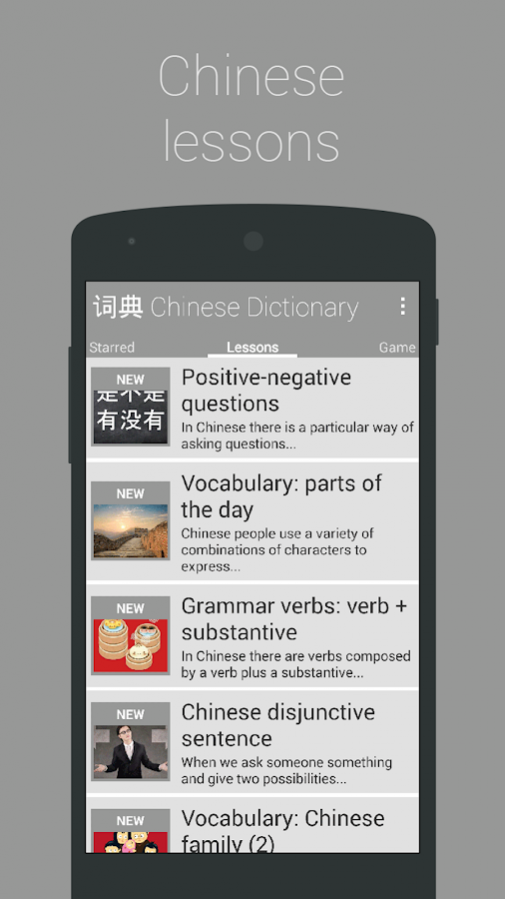
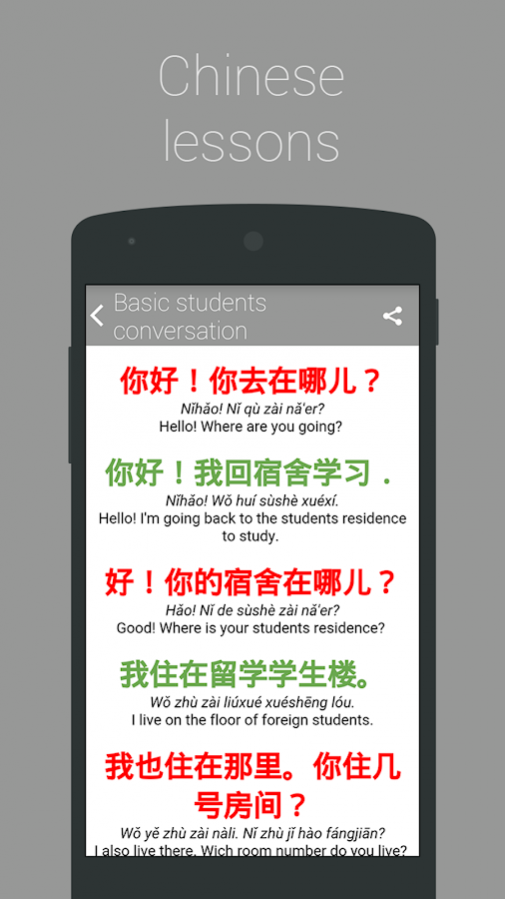
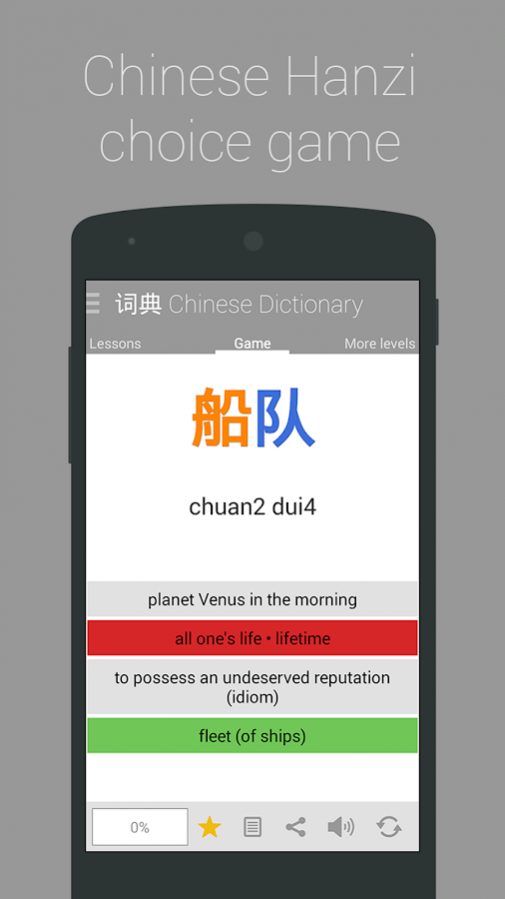
The
Chinese Dictionary
has more than
100,000 translations
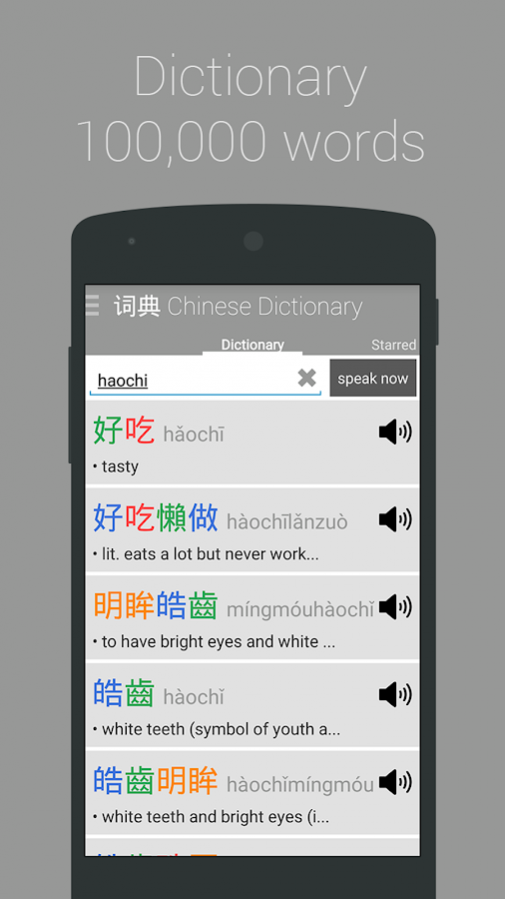
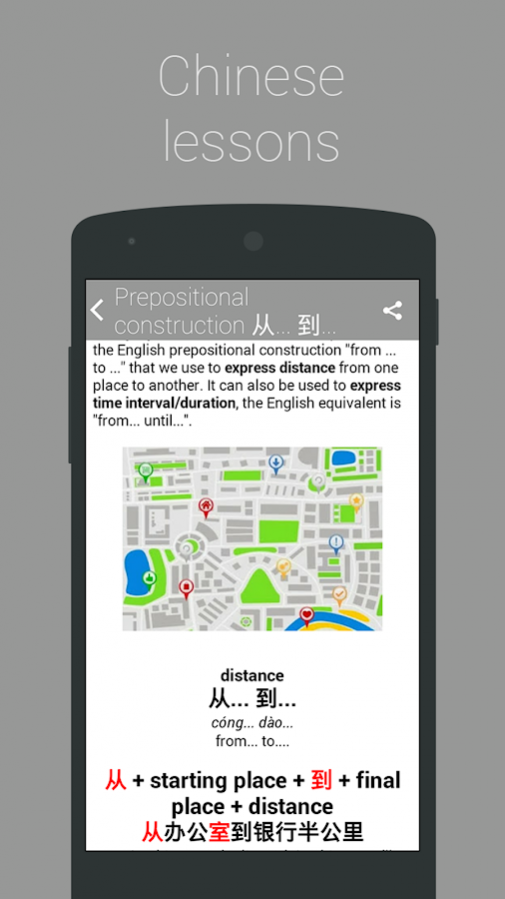
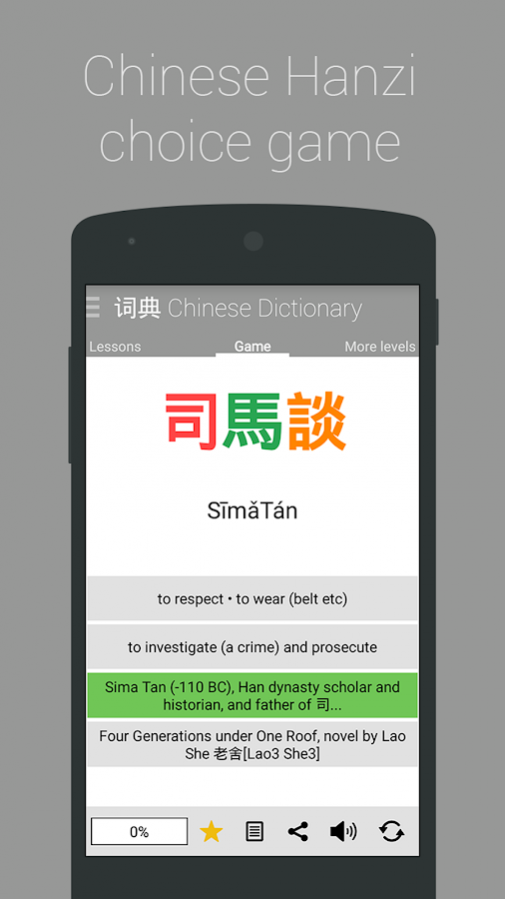
to search by 汉字, Pinyin or English. It isn't a simple dictionary, it also offers voice recognition (Chinese and English), audio pronunciation in all the words, access to more than 100 Chinese lessons and a game to challenge you.
This is your essential Chinese learning book.
Chinese Dictionary + Lessons + Game
CONTENTS
● More than 100,000 characters and phrases
● Audio pronunciation in all words (TTSpeach)
● Voice recognition (Chinese and English)
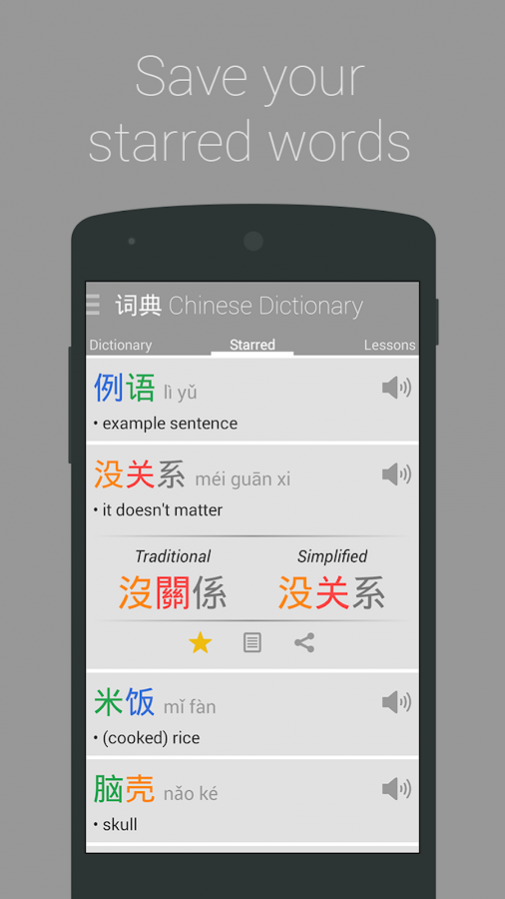
● Simplified and Traditional Characters
● Bookmark and save your characters
● Powerful search by 汉字, Pinyin or English
● More than 100 lessons, new lessons coming every week!
● Game with more than 100,000 challenges
● Real time search as you type
● Powered by CE-DICT database
● Powered by iSpeech
● Very easy to use
About Chinese Dictionary pro
The company that develops Chinese Dictionary pro is Around Pixels. The latest version released by its developer is 6.4.5.
To install Chinese Dictionary pro on your Android device, just click the green Continue To App button above to start the installation process. The app is listed on our website since 2016-10-25 and was downloaded 6 times. We have already checked if the download link is safe, however for your own protection we recommend that you scan the downloaded app with your antivirus. Your antivirus may detect the Chinese Dictionary pro as malware as malware if the download link to es.aroundpixels.hskdictionarypro is broken.
How to install Chinese Dictionary pro on your Android device:
- Click on the Continue To App button on our website. This will redirect you to Google Play.
- Once the Chinese Dictionary pro is shown in the Google Play listing of your Android device, you can start its download and installation. Tap on the Install button located below the search bar and to the right of the app icon.
- A pop-up window with the permissions required by Chinese Dictionary pro will be shown. Click on Accept to continue the process.
- Chinese Dictionary pro will be downloaded onto your device, displaying a progress. Once the download completes, the installation will start and you'll get a notification after the installation is finished.
Program Details
System requirements
Download information
Pricing
Version History
version 6.4.5
posted on 2016-10-25
v6.4.5
- Pinyin search with tones
- New database index to get search results faster
- Text size optimizations to be able to show large hanzi and pinyin words properly
- New and optimized image resources
- New share: share only the relevant content not the entire screen
- New push notifications and google play services libraries
- Fixed some bugs
version 6.3.0
posted on 2016-05-17
v6.3.0,- Dictionary list optimization,- Improved dictionary search speed,- Change hanzi simplified, traditional, pinyin mode or hanzi color in real time,- New voice recognition by Google Voice (VPN needed in China),- New button dictionary to switch voice search language,- New next button into game without time to auto next,- Design improvements,- Lesson list optimizations,- New progress % views,- Installation location set to auto,- Fixed minor bugs,- Extended compatibility to Android 2.3.3
